
From Install to Interview in 5 Minutes
Install once, set up your profile, and apply with one click. JobPilot handles the repetitive work so you can focus on conversations that move your career forward.
Get Started Free4 Steps. 5 Minutes. Done.
From installation to your first application in under 5 minutes
Add the Chrome Extension
Install JobPilot from the Chrome Web Store in seconds. It's free, secure, and ready to use immediately. Pin it to your toolbar for quick access.
- One-click installation from the Chrome Web Store
- No account required to start
- Works immediately after installation
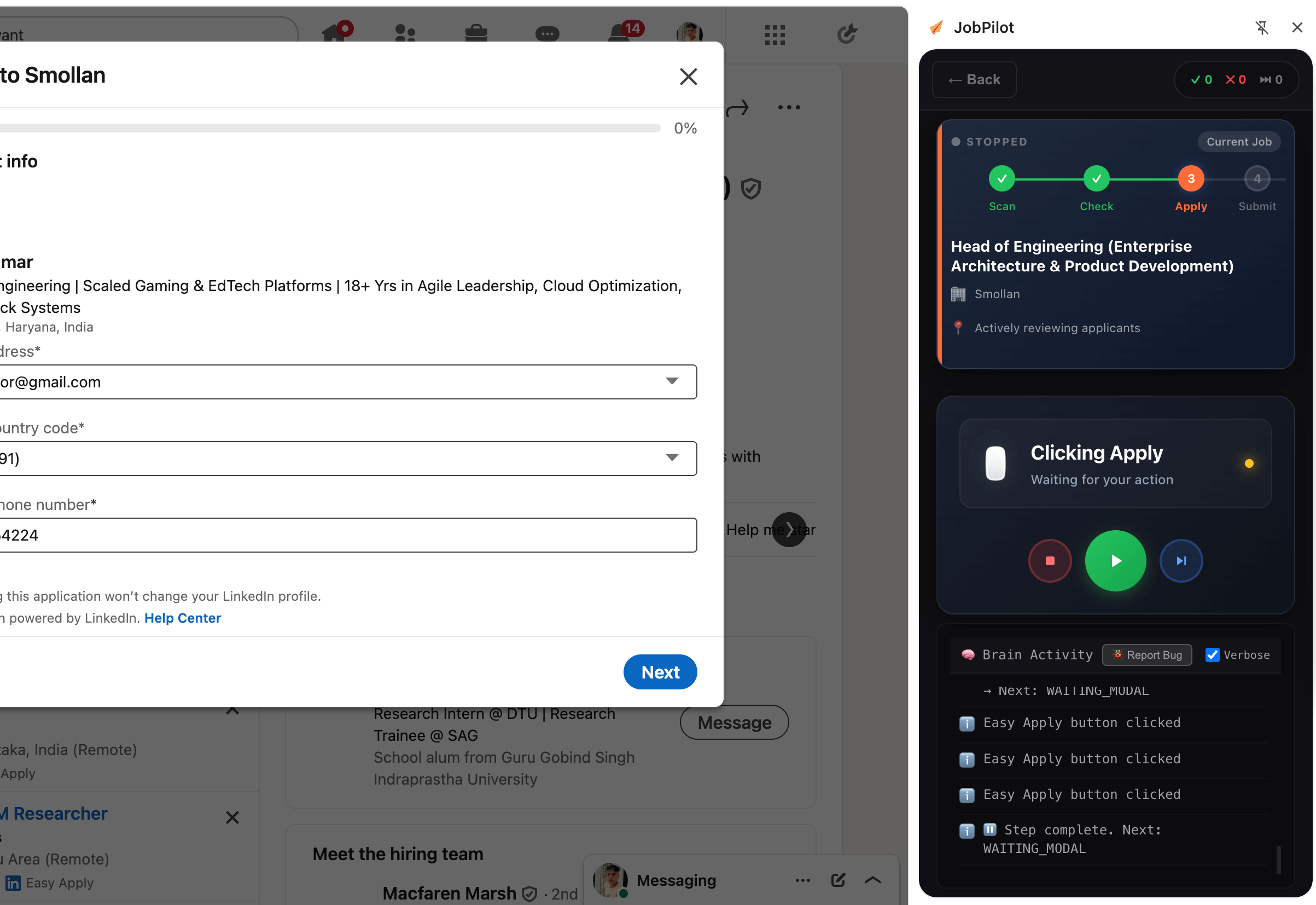
Configure Your Identity
Enter your experience, education, and resume details. JobPilot stores this locally in your browser to match against job requirements.
- Secure local storage (Privacy First)
- Upload your Resume PDF
- Edit and update anytime
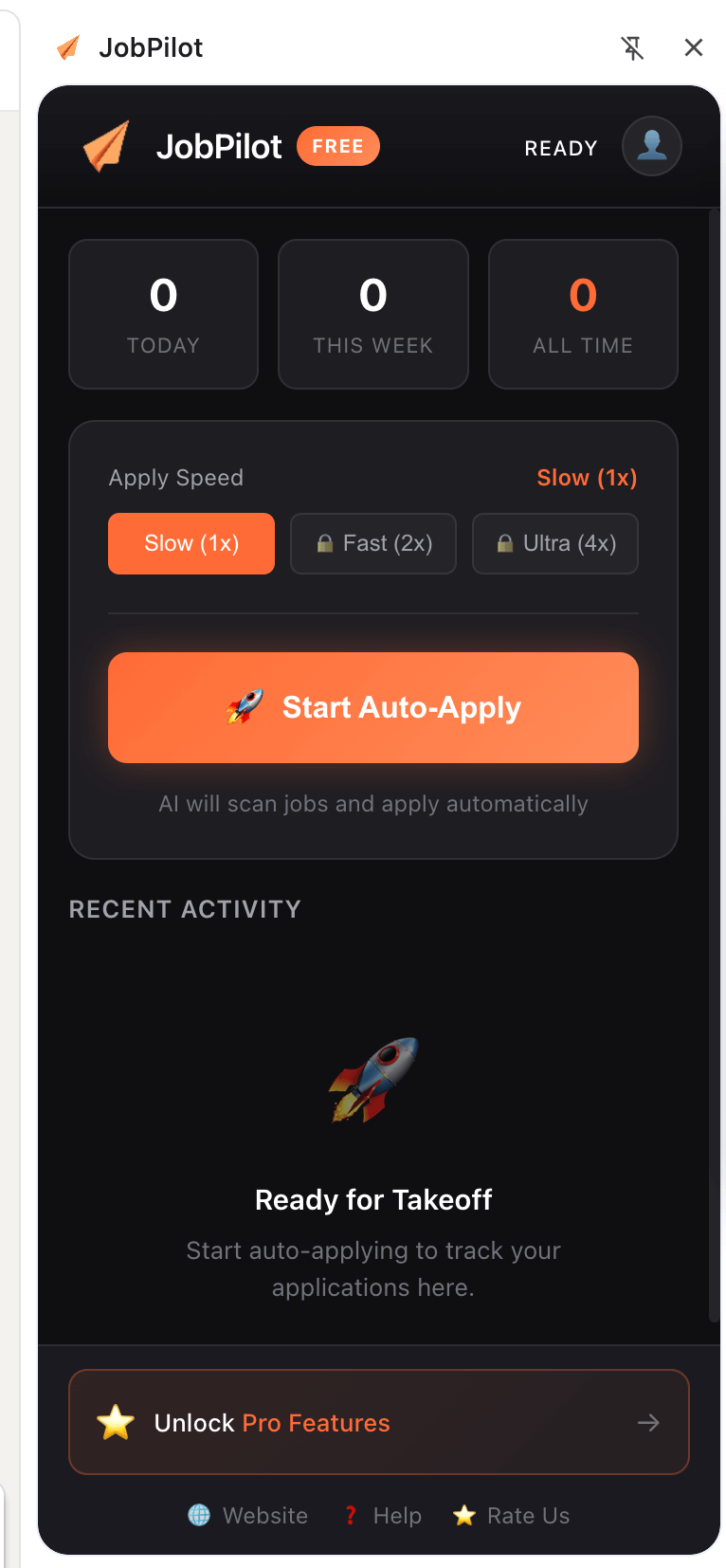
Activate Human Actor
Navigate to any job on LinkedIn. Detailed occlusion checks and randomized delays ensure the automation fills the form exactly like a human would.
- 100% Undetectable execution
- Automatically handles multi-step forms
- Review before submitting
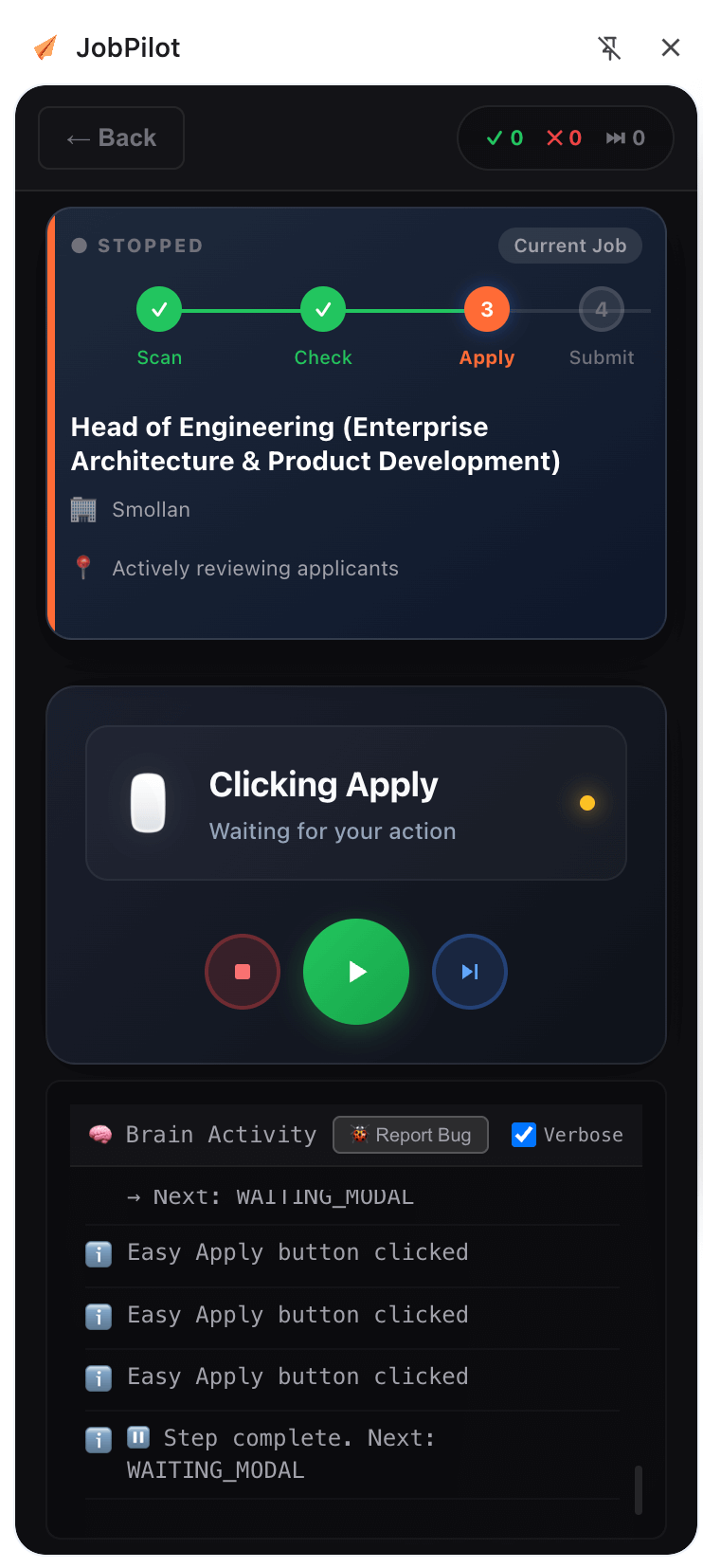
Automatic Tracking
JobPilot logs every application with company, role, status, and response timeline. Add notes, set reminders, and link interview prep so everything stays in one place.
- Auto-capture application details
- Status tracking with smart follow-up reminders
- Analytics and insights dashboard
Why 10,000+ Job Seekers Switched
Designed to remove friction while keeping you in full control of your applications.
Save 20+ hours per week
Cut application time from 5 minutes to 30 seconds and reinvest your energy into interviews.
100% secure & private
Your information stays in your browser (or encrypted if you opt to sync). No tracking, ever.
Never miss a follow-up
Automatic tracking and reminders keep opportunities warm and conversations moving.
Got Questions? We've Got Answers.
Everything you need to know about getting started
How long does it take to set up JobPilot?
Under five minutes. Install the extension (30 seconds), import your resume, and you're ready to send your first one-click application.
Do I need technical skills to use JobPilot?
No. If you can browse LinkedIn, you can use JobPilot. The extension walks you through each step.
How accurate is the autofill feature?
JobPilot hits 95%+ accuracy across major job boards, and you can edit anything before you hit submit.
Can I edit my application before submitting?
Absolutely. JobPilot fills the form, but you review every field and can adjust wording before sending.
What happens after I submit an application?
The extension logs the submission in your dashboard, including company, title, status, and reminders for follow-ups.
Can I use JobPilot on multiple job boards at once?
Yes. JobPilot recognizes LinkedIn, Indeed, Greenhouse, Workday, and 20+ other boards automatically. Use the same profile everywhere.
Is my data safe? (Security & Privacy)
Yes. Your data is stored locally on your device by default. We do not sell your data. We use bank-grade encryption for any optional cloud sync features.
Will I get banned for using this?
No. JobPilot uses 'Human Actor' technology to mimic human typing speeds and interactions. It interacts with the page DOM, not the API, making it 100% compliant with LinkedIn's User Agreement.
Your Next Interview Starts Here.
Join thousands of job seekers saving hours every week. Install the extension and send your first one-click application today.
✓ No credit card required • ✓ Setup in 5 minutes • ✓ Free forever plan available